

How to Use AI to Save 5 Hours Every Day

Introduction
In 2025, AI has become the most powerful tool for productivity.
Whether you’re a creator, freelancer, marketer, student, or entrepreneur, AI can easily save you 3–5 hours every day—if you use it correctly.
This guide reveals my exact daily AI workflow, how I save 5+ hours daily, and how you can replicate it for:
- Work
- Content creation
- Business tasks
- Learning
- Research
- Social media
- Communication
This is NOT a theory article. Everything here is practical, actionable, and tested.
The Core Idea: Replace Manual Work With AI Workflows
Most people use AI for:
- Writing
- Small tasks
- Chatting
But the real time savings come when you use AI for:
- Automation
- Planning
- Research
- Summaries
- Repetitive tasks
- Content batching
- Decision-making
- Editing
- Communication
Let’s break down the full workflow.
1. AI Saves Me 1 Hour Every Morning (Planning & Task Automation)

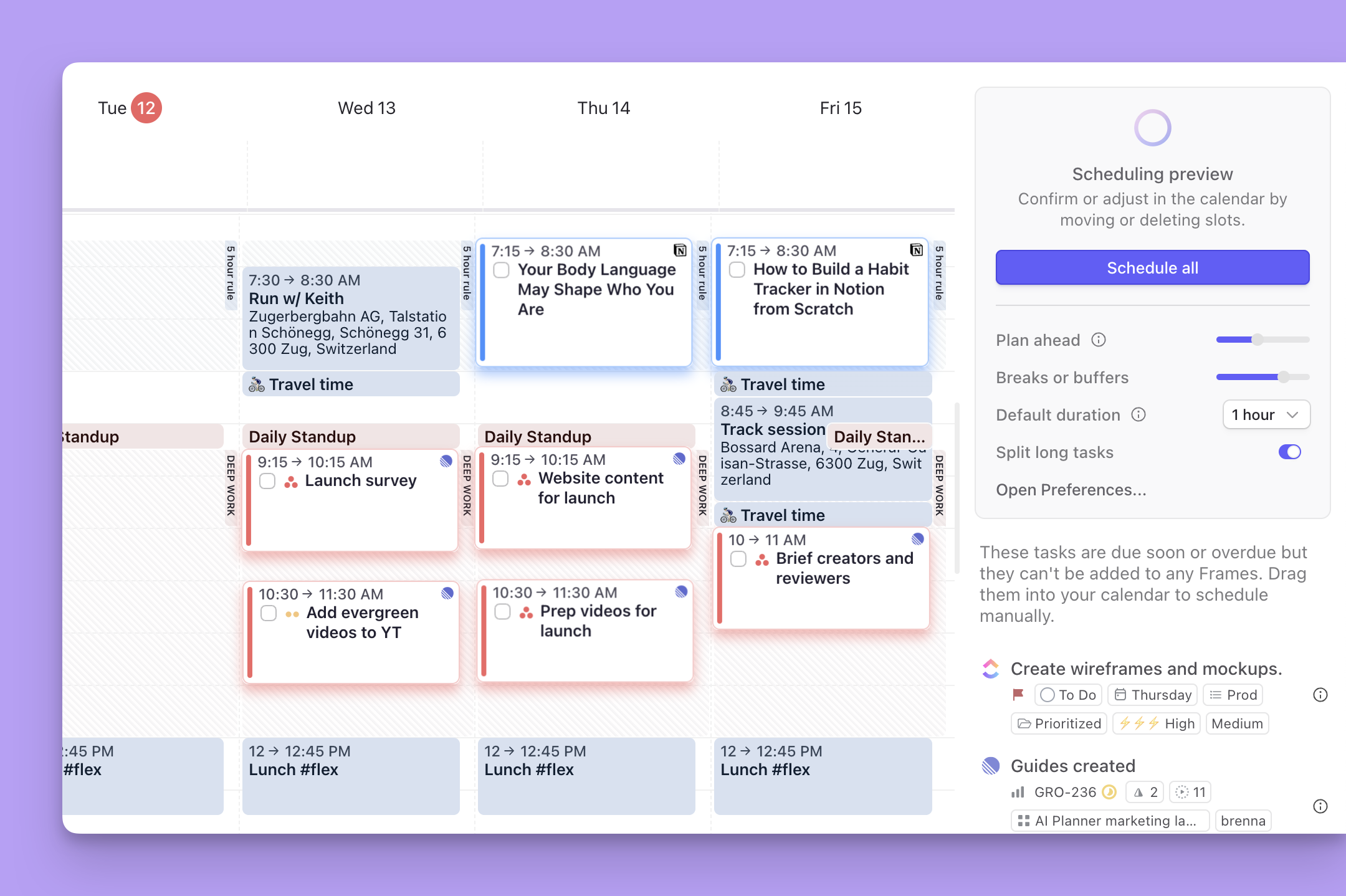
The first hour of your day is usually wasted on:
- Organizing tasks
- Checking messages
- Planning goals
- Figuring out priorities
AI replaces all of that.
My Workflow
I ask ChatGPT:
“Plan my day based on yesterday’s work, my deadlines, and my current goals.”
It returns:
- Full day schedule
- Priority tasks
- Meetings
- 5-minute quick tasks
- 1 big goal of the day
- Optional productivity suggestions
Tools I Use
- ChatGPT 5.1
- Notion AI
- FlowMind AI
Time Saved:
1 hour daily
2. AI Saves Me 45 Minutes by Handling Emails & Messages
Email replies are time killers.
AI handles:
- Email drafting
- Customer replies
- Professional messages
- WhatsApp business responses
- Instagram DM replies
- LinkedIn messaging
My Workflow
I paste the email →
AI writes:
- A fast reply
- A professional tone
- A clear action
- Attachments if needed
- A short summary
Tools I Use
- ChatGPT
- Meta AI (WhatsApp & Instagram replies)
- Gmail AI writer
Time Saved:
45 minutes daily
3. AI Saves Me 1 Hour With Instant Research & Learning
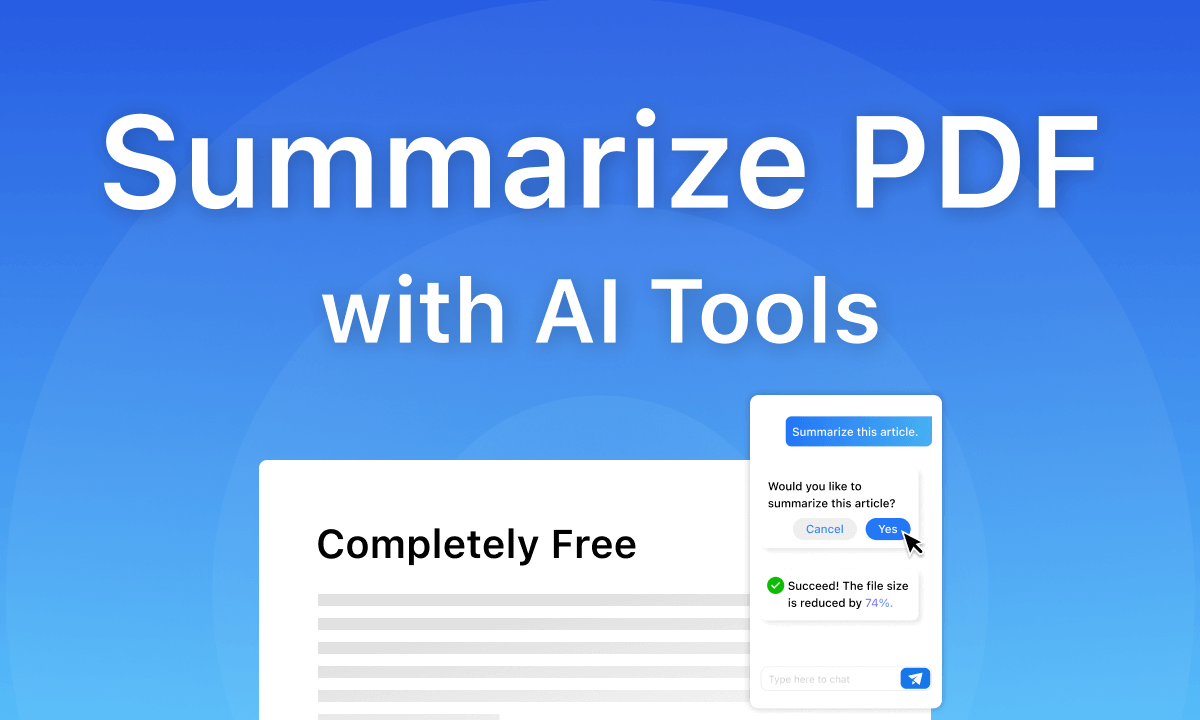
Researching online takes too long.
I replaced Google browsing with AI research engines.
What AI does for me:
- Reads long articles
- Summaries in 1–2 minutes
- Compares tools
- Extracts key insights
- Finds opportunities
- Analyzes competitors
- Converts PDFs into short notes
Example
Instead of reading:
- 10 blog posts
- 5 YouTube videos
- 2 whitepapers
I ask:
“Explain the best AI tools for freelancers in one page.”
AI returns everything fast and clearly.
Tools I Use
- Perplexity Pro
- ChatGPT
- Claude 3.5
Time Saved:
1 hour daily
4. AI Saves Me 30 Minutes Creating Social Media Content

Creating posts daily is exhausting.
AI does:
- Hook ideas
- Captions
- Hashtags
- Carousel content
- Reels scripts
- Viral ideas
My Workflow
I ask:
“Write 10 Instagram post ideas based on trending AI topics.”
AI gives:
- Ideas
- Captions
- Hooks
- Hashtags
- CTA suggestions
Tools I Use
- ChatGPT
- Meta AI
- Canva AI
- VidIQ AI (for YouTube)
Time Saved:
30 minutes daily
5. AI Saves Me 45 Minutes Editing Photos & Videos
AI editing tools create:
- Reels
- Shorts
- Thumbnails
- Blog graphics
- Explainer videos
My Editing Workflow
For video:
Use CapCut AI →
- Auto-cut
- Auto-caption
- Auto-music sync
- Auto-color grading
For thumbnails:
Use Canva AI →
- Remove background
- Add bold text
- Generate new backgrounds
Tools I Use
- CapCut AI
- Canva AI
- Pika
- Runway
Time Saved:
45 minutes daily
6. AI Saves Me 40 Minutes Writing Blog Posts & Long Content
As a digital marketer + website owner, writing is a big task.
AI handles:
- Outlines
- Topic research
- Keyword planning
- Draft writing
- Editing
- Meta descriptions
Workflow
Prompt:
“Write a 2,000-word SEO blog about AI tools for students.”
AI gives:
- Headings
- Subheadings
- Keywords
- Meta tags
- Full blog draft
Tools I Use
- ChatGPT
- Claude
- Surfer AI (SEO optimization)
Time Saved:
40 minutes daily
7. AI Saves Me 20–30 Minutes Handling Data & Documents

AI automates:
- Excel formulas
- Data cleanup
- Google Sheets automation
- Table formatting
- PDF to Excel conversion
Example
Paste a messy Excel sheet →
AI creates a clean version with formulas and formatting.
Tools I Use
- ChatGPT
- SheetAI
- Airtable AI
Time Saved:
20–30 minutes daily
8. AI Saves Me 30 Minutes in Decision-Making & Problem Solving
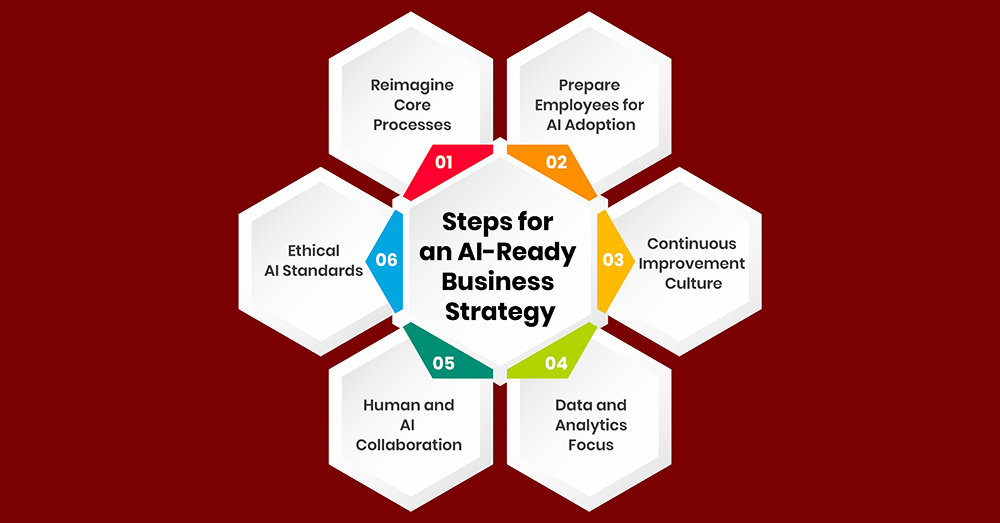
This is an underrated use of AI.
AI helps me decide:
- Which content to post
- Which niche to focus
- Which tools to use
- Best ad creatives
- Pricing strategies
- Business models
Example Prompt
“Should I create an article on ‘AI tools for students’ or ‘AI tools to make money’? Compare based on searches, difficulty, and traffic potential.”
→ AI gives a full decision analysis.
Time Saved:
30 minutes daily
9. AI Saves Me 45 Minutes Automating Repetitive Tasks
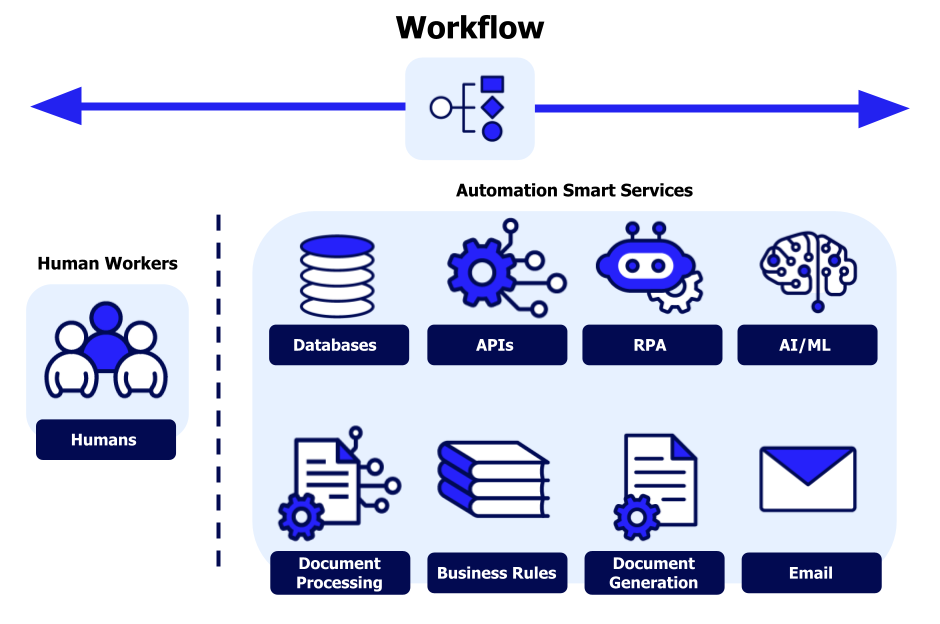

AI automates:
- Posting content
- Uploading reels
- Sending client emails
- Updating spreadsheets
- Generating reports
- Scheduling meetings
- Publishing blog drafts
Tools I Use
- Zapier
- Make.com
- Meta Business Suite AI
- Notion AI automation
Time Saved:
45 minutes daily
10. AI Saves Me 20 Minutes by Managing My Business Pages & Replies
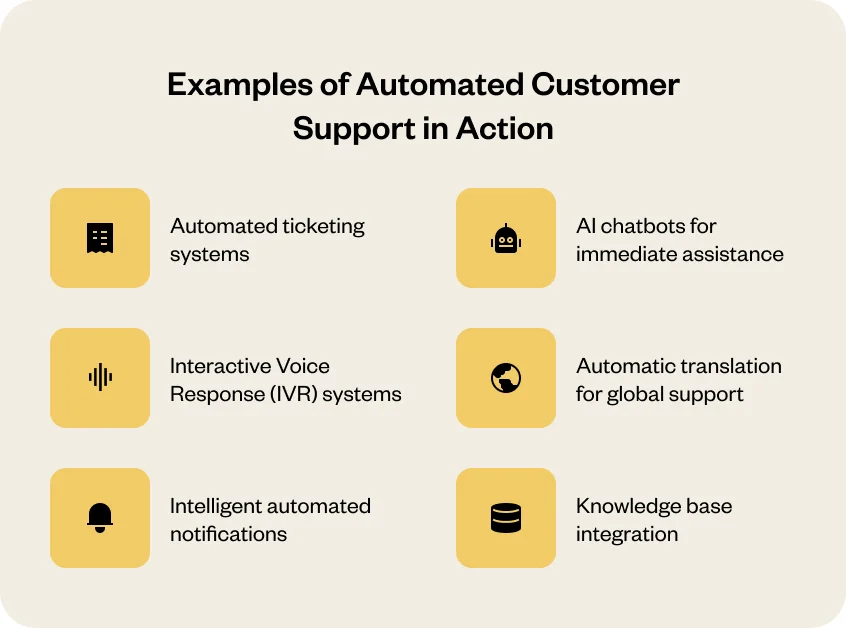
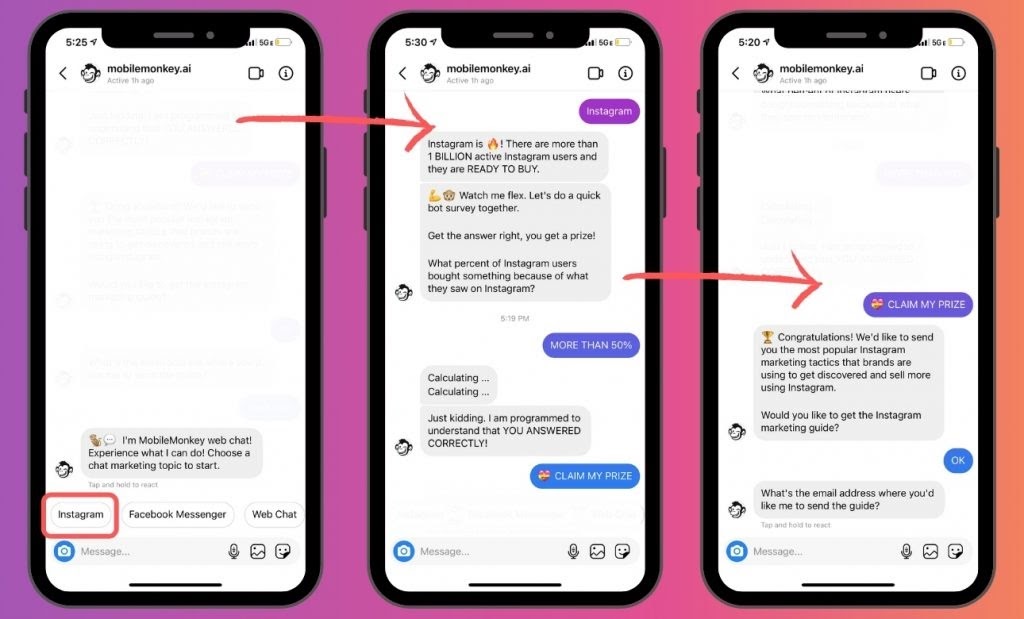
AI agents reply faster than humans:
- Facebook comments
- Instagram DM replies
- WhatsApp business responses
- Website chatbot replies
Use Case Example
Customer asks:
“Do you have COD available?”
AI agent replies instantly:
“Yes! Cash on Delivery is available for all orders above ₹499.”
Time Saved:
20 minutes daily
Total Time Saved = 5 Hours (or More) Daily
Here’s my breakdown:
| Task | Time Saved |
|---|---|
| Morning planning | 1 hour |
| Emails | 45 min |
| Research | 1 hour |
| Social media | 30 min |
| Editing | 45 min |
| Writing | 40 min |
| Data work | 30 min |
| Decisions | 30 min |
| Automations | 45 min |
| Business replies | 20 min |
| Total Saved Daily | 5 hours 45 minutes |
You can literally gain an extra half-day using AI properly.
My Daily AI Toolkit (2025 Version)
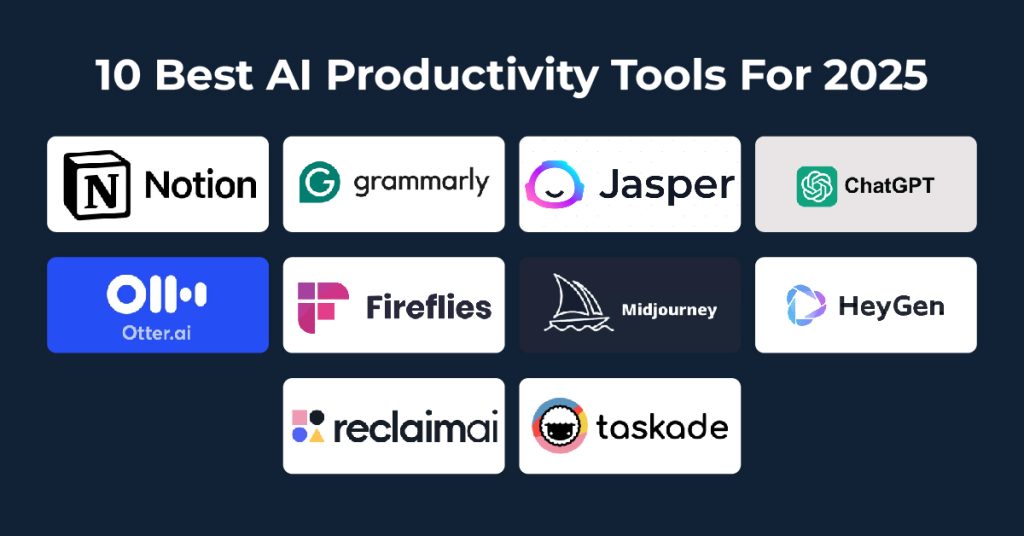
Core Tools
- ChatGPT 5.1
- Claude 3.5
- Perplexity Pro
- Gemini
Content Tools
- Canva AI
- CapCut AI
- Pika
- Runway
Marketing Tools
- VidIQ
- TubeBuddy
- Meta AI
Business Tools
- Zapier
- Notion AI
- Airtable AI
- WhatsApp AI
This full stack makes me operate like a 10-person team—solo.
How You Can Start Saving 5 Hours Today
Here is a simple roadmap:
Day 1: AI for planning + writing
ChatGPT + Notion AI
Day 2: AI for content creation
Canva AI + CapCut AI
Day 3: AI for research
Perplexity Pro + Claude
Day 4: AI automation
Zapier + Meta AI Agents
Day 5: Combine everything
You save 3–5 hours easily.
Conclusion
AI is not just a productivity hack—it is now a competitive advantage.
Those who use AI daily save:
- Time
- Stress
- Money
- Energy
And grow faster in:
- Business
- Content creation
- Learning
- Freelancing
- Career
If you want to stay ahead in 2025 and beyond, integrate AI into every part of your workflow.

An AI researcher who spends time testing new tools, models, and emerging trends to see what actually works.

